Working Remotely from a Hotel on OMR: Practical Wi‑Fi, Workspace and Daily Routine Tips
Practical guidance for remote workers and IT professionals staying in Thoraipakkam/OMR hotels on how to check Wi‑Fi, set up a productive room workstation, manage meals and calls, and coordinate housekeeping for uninterrupted work days.

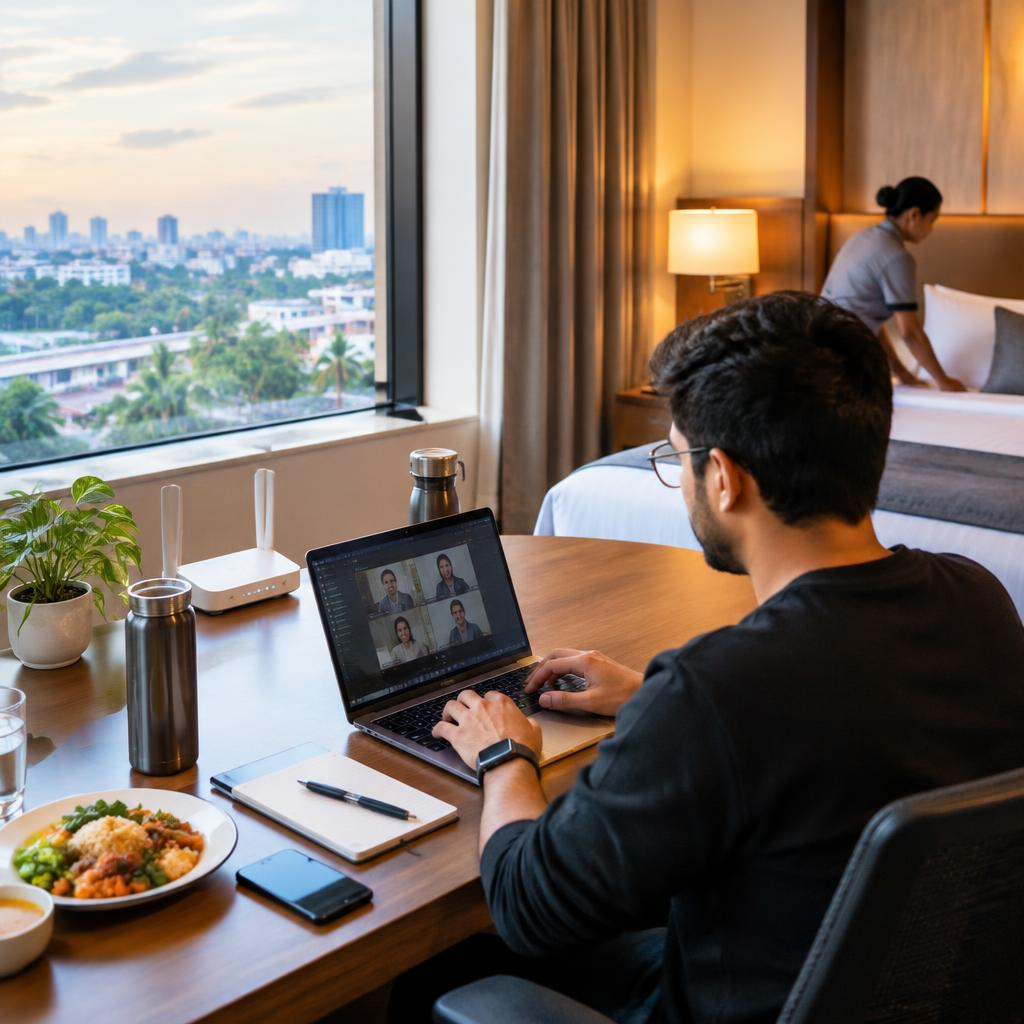
Why this guide matters on OMR, Thoraipakkam
Staying on OMR for a short project or an extended remote stint means balancing reliable connectivity, a comfortable workspace and predictable daily routines. Hotels around Thoraipakkam—including those near Okkiyam Thoraipakkam—often offer tidy rooms and helpful staff, but practical preparation helps you avoid interruptions during important calls or sprint work. This article gives focused, actionable tips you can use before arrival and during your stay.
Check Wi‑Fi before you commit
Ask targeted questions at booking and check again at check‑in: what is the advertised Wi‑Fi speed, is there a separate network for guests, and are wired Ethernet ports available in rooms? Several guests recommend being specific about Wi‑Fi speed and room size when enquiring, so request measured speeds (Mbps) or ask if the front desk can run a quick speed test. If you plan heavy uploads or video conferencing, confirm typical performance during daytime peak hours and whether staff can escalate connectivity issues.
Set up an effective room workstation
Create a consistent, ergonomic workspace in your room: position your laptop on a stable surface at eye level, use an external keyboard or mouse if you have them, and check the lighting near the work area. Before settling in, inspect power outlet locations and bring a short extension or multi‑USB charger if needed. Many guests find rooms at local OMR hotels to be clean and spacious; if your assigned room feels cramped, politely request a different room or an extra table/chair from reception.
Plan meetings and manage housekeeping
Coordinate housekeeping and other in‑room services around your meeting schedule. On arrival, tell reception your preferred quiet hours and ask staff to avoid housekeeping during scheduled calls; staff at many hotels are accommodating when given advance notice. During calls use a headset and test for thin walls or corridor noise; if background noise is an issue, consider moving to a quieter corner of the property or asking about a dedicated meeting space if available.
Handle meals and daily routine for steady productivity
Clarify meal options and timings when you book—some guests report a satisfying breakfast while others note variability—so checking the breakfast spread and service window helps you plan morning standups. For predictable lunches and dinners, ask about room service, on‑site dining hours, or nearby eateries on OMR and delivery options. Build a daily rhythm: set start and end times, schedule short breaks for a walk, and block time for focused work to keep days productive while staying comfortable.
Prepare backup connectivity and power plans
Bring contingencies: a charged mobile hotspot, a local SIM with data, or a power bank can keep you going if hotel Wi‑Fi falters. Ask reception about the building’s power backup arrangements and where outlets are concentrated in rooms. If uninterrupted uptime is critical for your role, test alternative connections on arrival (for example, tethering briefly) so you know your fallback before a major meeting.
Final checklist and local notes
Before you arrive: confirm booking details, ask about Wi‑Fi and meal inclusions, and mention any parking or entry needs if you have a vehicle. During your stay: communicate schedules to the front desk, politely request adjustments for housekeeping or room changes, and keep receipts or billing details organized. Many guests staying on OMR praise attentive staff and timely service—leveraging that helpfulness and confirming expectations up front will make a remote work stay smoother and more productive.
Customer review


Article by